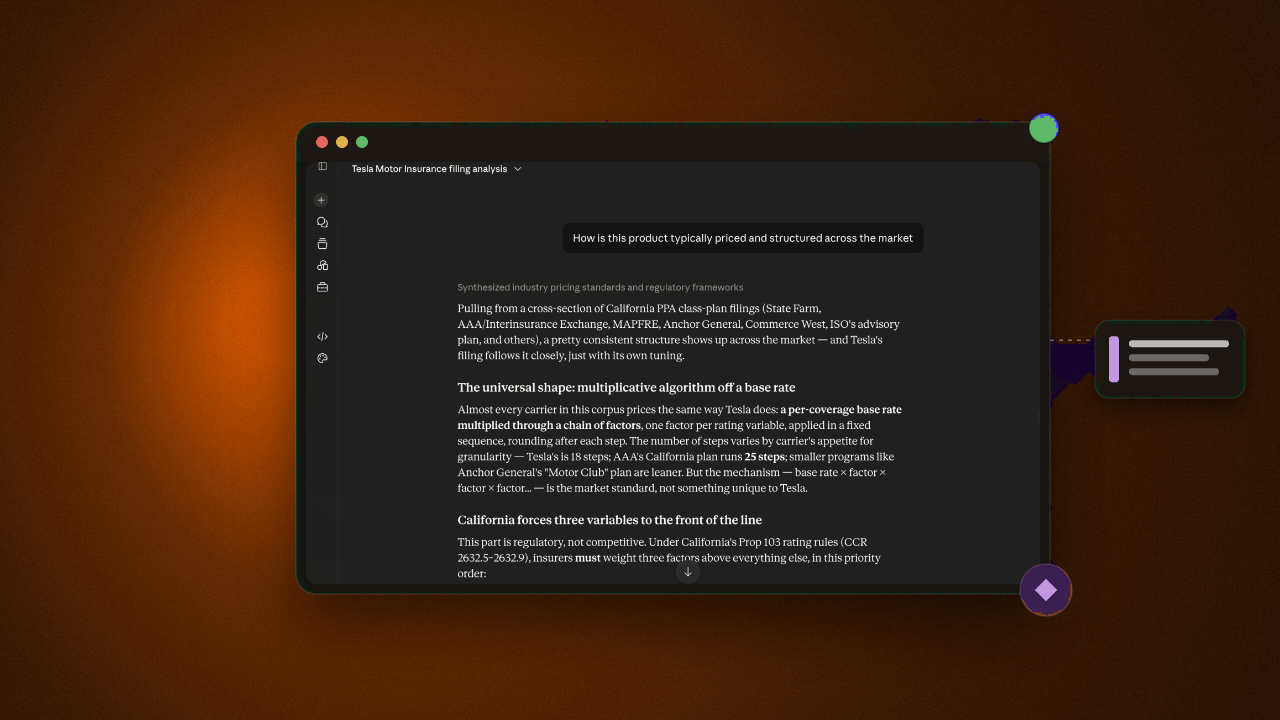
In just two minutes, you can connect Swallow to ChatGPT and start searching trusted, cited information across thousands of SERFF filings. This quick tutorial walks you through the setup, giving you a faster way to find answers, investigate filings and uncover insights that could otherwise take days of manual research.
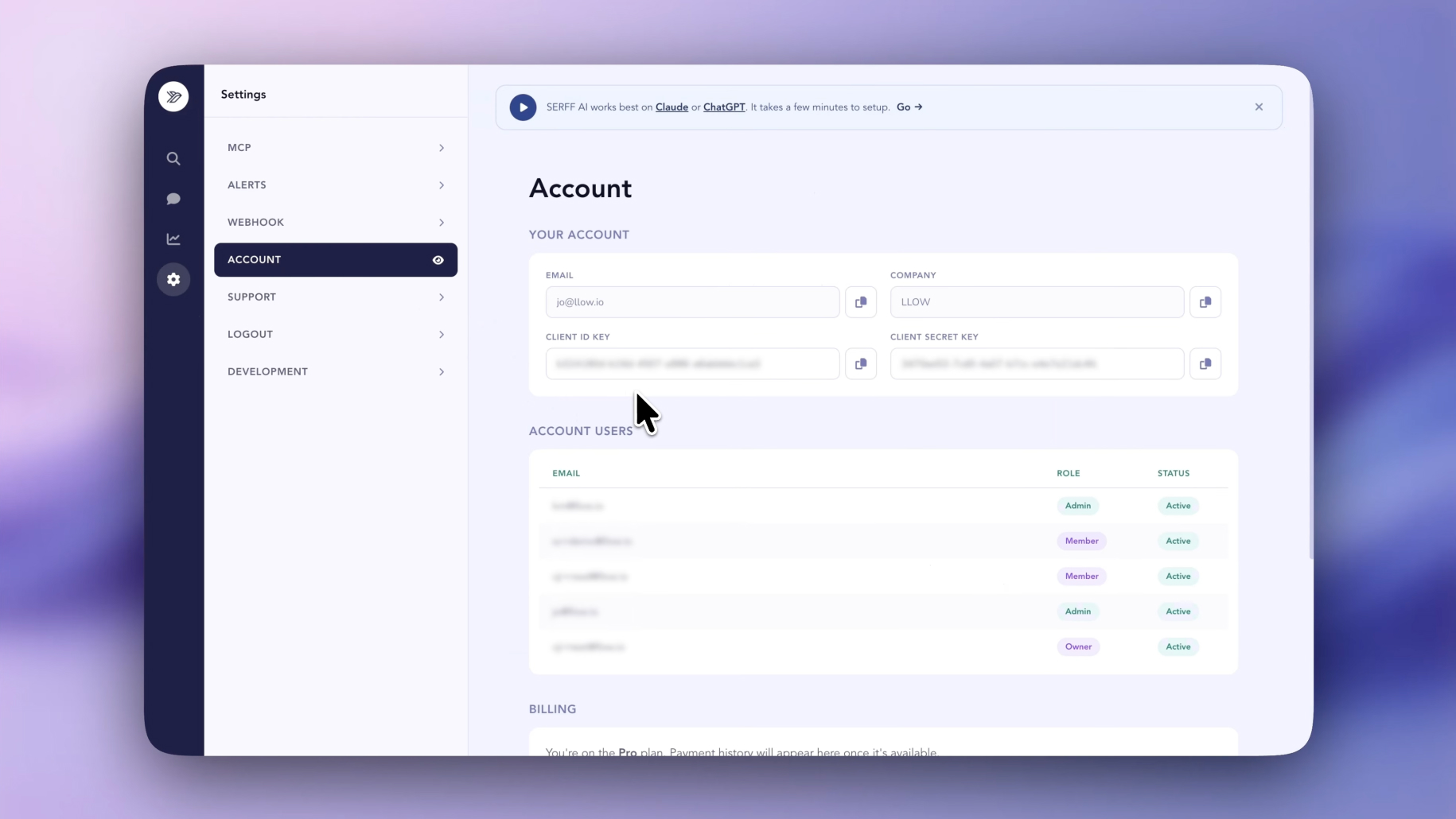
Log into SERFF.ai and in your account section you will find both your Client ID and Secret ID.
If you’re new to Swallow, you can register for an account and we’ll provide your credentials during onboarding.
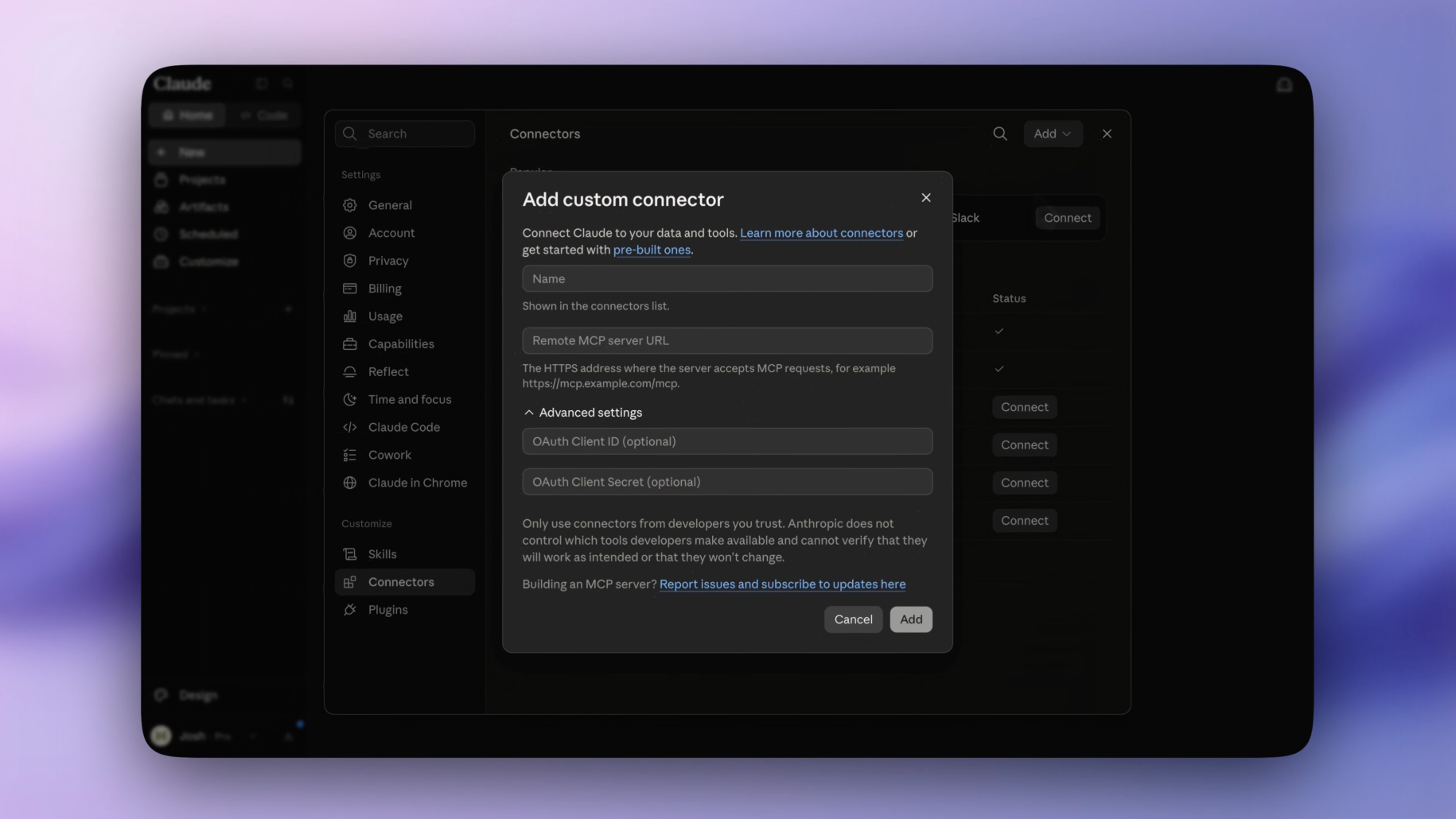
In claude go to Settings > Connectors > Select Add > and then click Add custom connector
Then enter the following into Name and Remove MCP server URL
Swallow SERFF & https://api.serff.ai/mcp
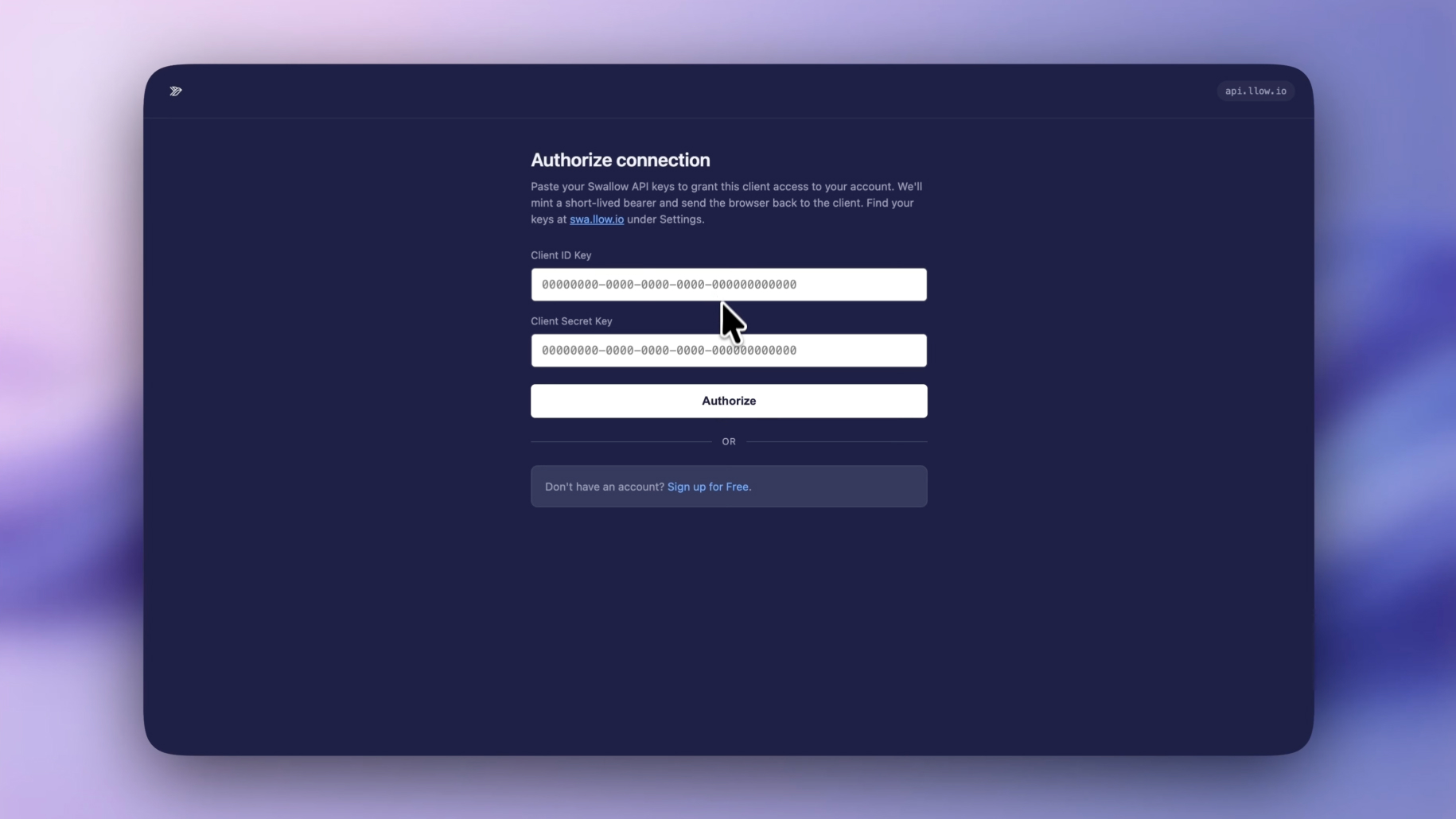
Claude will prompt you to click connect.
After clicking that you will be asked to enter your personal Client ID and Secret Key as mentioned in step one.
Paste those in and hit Authorise.
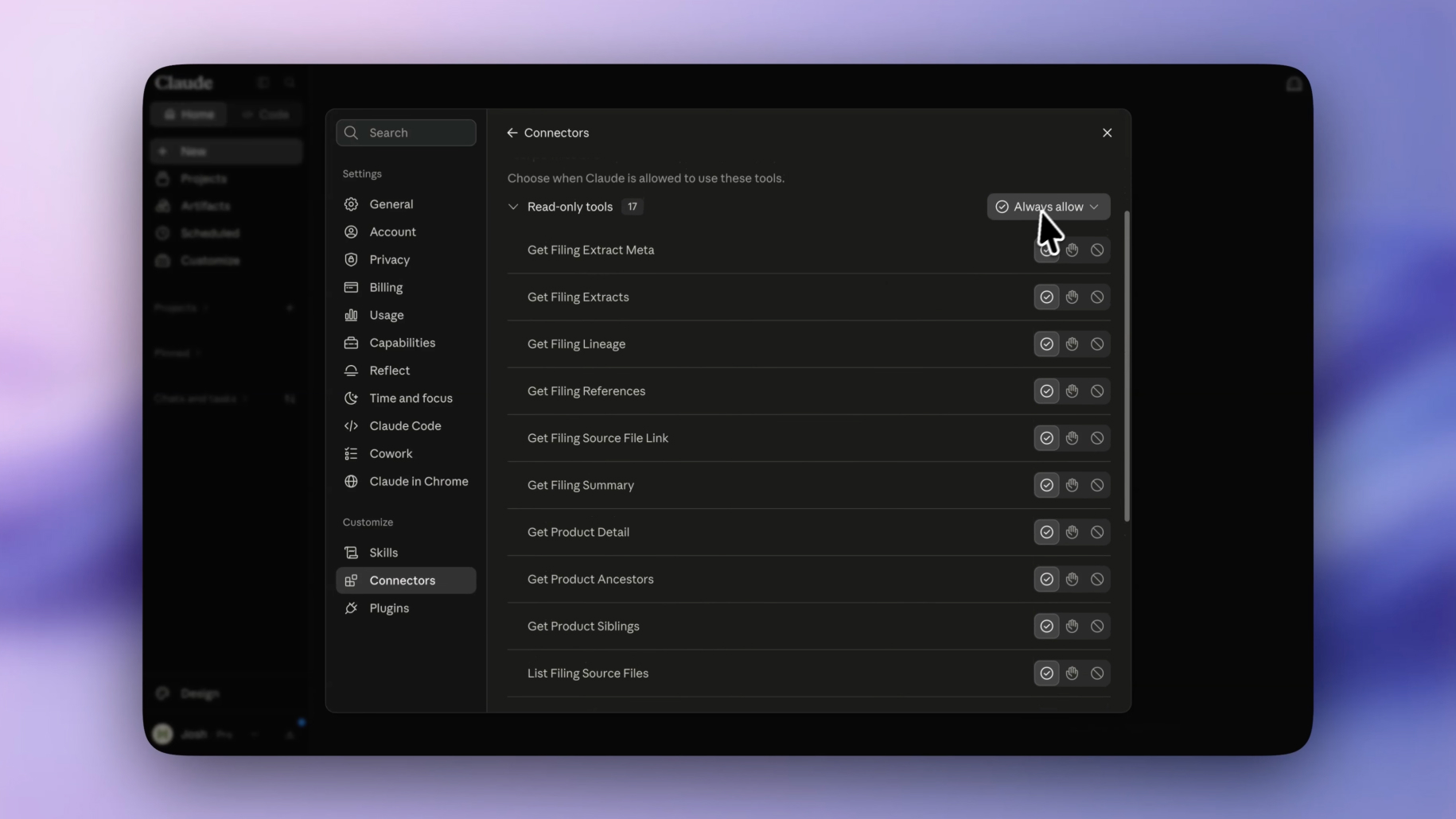
Now back in settings you will see the Swallow SERFF tool is connected. Make sure everything is set to Always allow. You can do this by clicking the dropdown to change them all.
This allows Claude to call these tools for you automatically, when it needs to, to save you time in the chat window.
Start a new chat and ask Claude: Check access to SERFF MCP
If everything has been set up correctly it will tell you what it has access too. If it looks similar to the below screenshot you are fully set up and ready to go
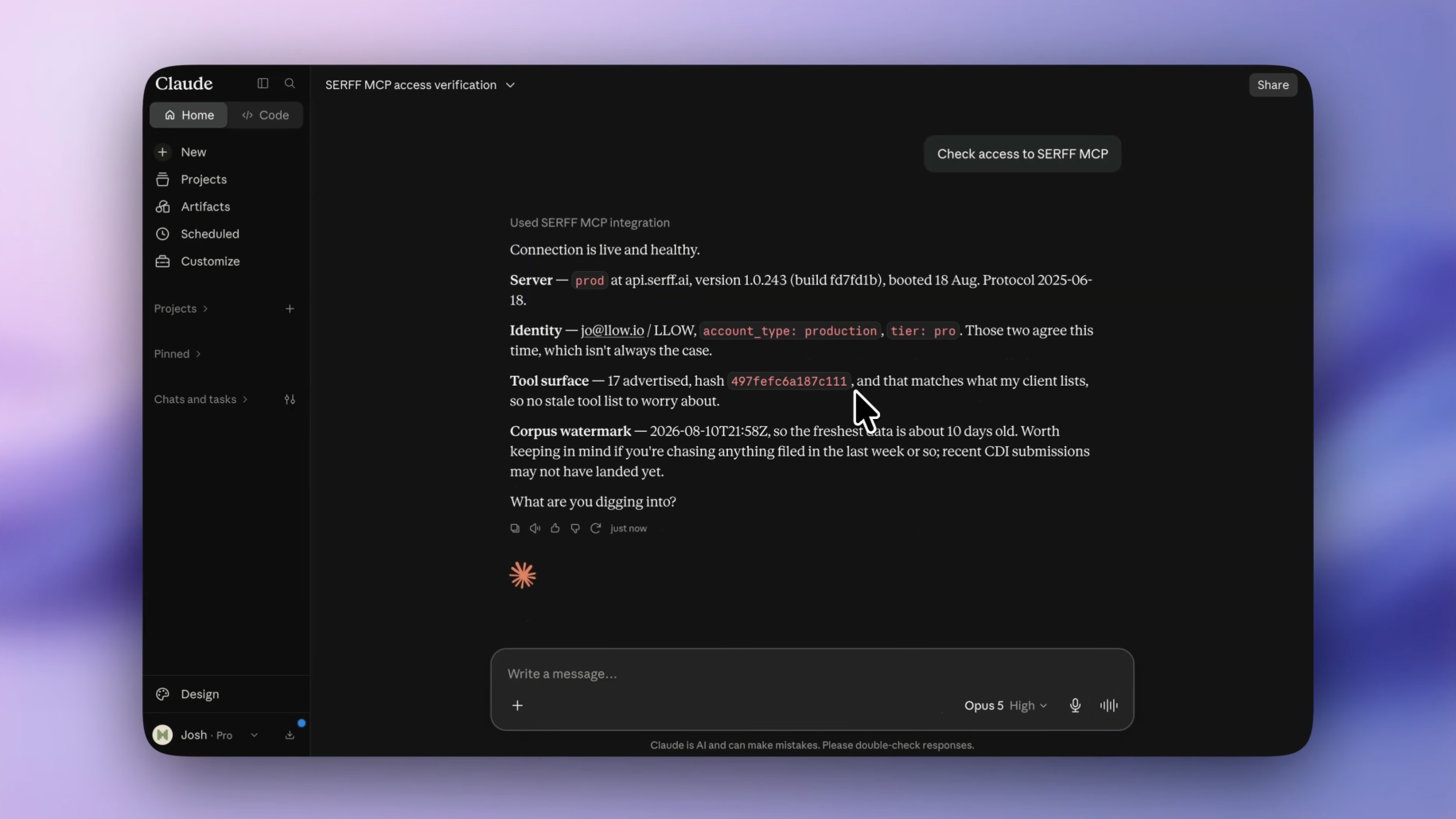
With the integration active, Claude can securely search, analyse and interact with insurance filings using natural language prompts.
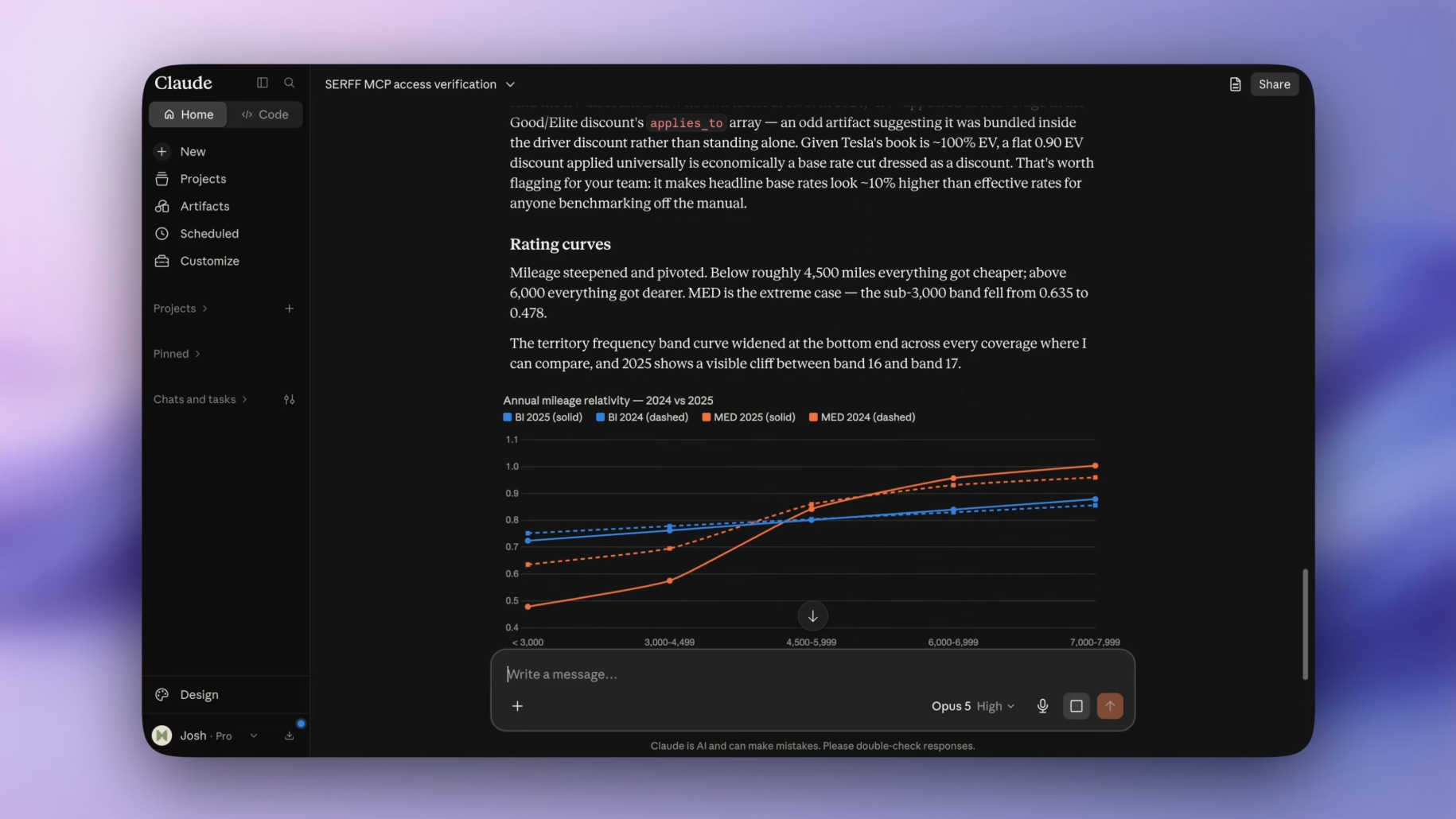
With Swallow connected to Claude, you can turn hours or even days of manual filing research into a simple conversation, with answers grounded in trusted SERFF data and linked back to the source.
And when you want to go deeper, our dedicated platform gives you even more ways to search, explore and analyse filings, all in one place. Simply sign up below to get started.

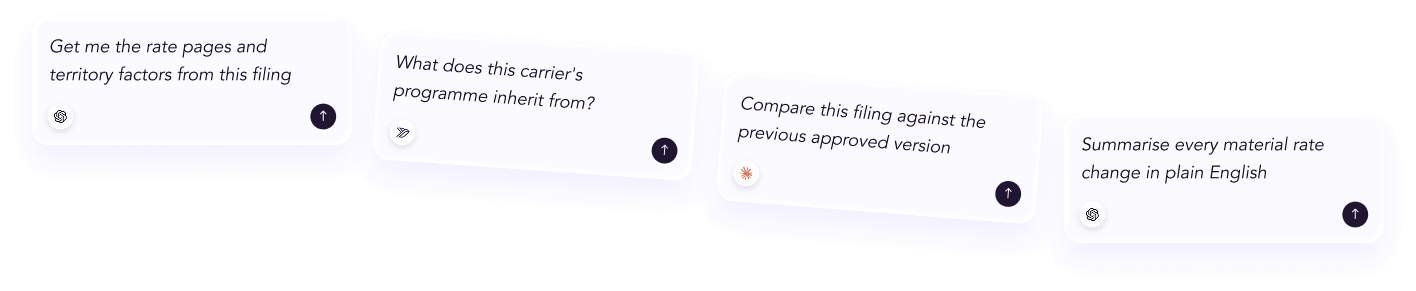




 ChatGPT
 Claude
.png)
.png)
.png)