
Finding a rate filing means isolating the submissions that actually change price, out of a much larger pool that also includes form and rule filings, and filings that combine more than one type. The filing type field is the fastest way to narrow, but it takes a bit more care to catch every filing that carries a real pricing impact.
This is how to search specifically for rate activity, and how to avoid missing combined filings that carry a rate change alongside a form or rule update.
serff.ai is built to do that for you: it indexes millions of SERFF filings and lets you ask questions in plain English instead of opening documents one by one. You can connect it to the AI assistant you already use: Claude or ChatGPT, via the serff.ai MCP server, or work directly in the web platform.
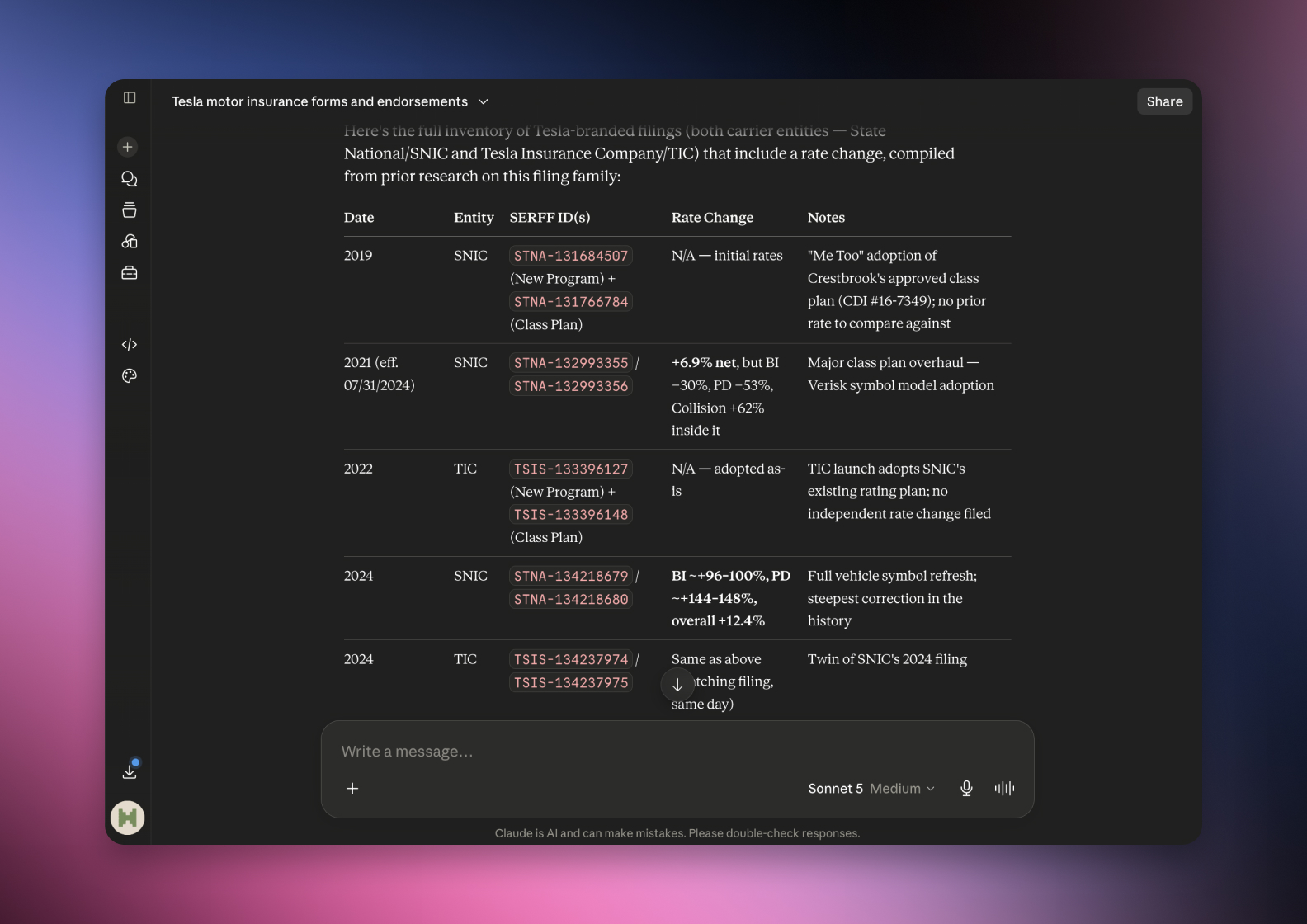

Connected via MCP to the AI you already use, Claude or ChatGPT, or through our dedicated platform, serff.ai makes searching and analysing SERFF filings effortless. Finding rate activity becomes a single question: ask for every filing with a rate change for a company or product, and get a grounded, cited answer in seconds.
The manual way
Filter by filing type and hope combined filings show up.
With serff.ai, just ask
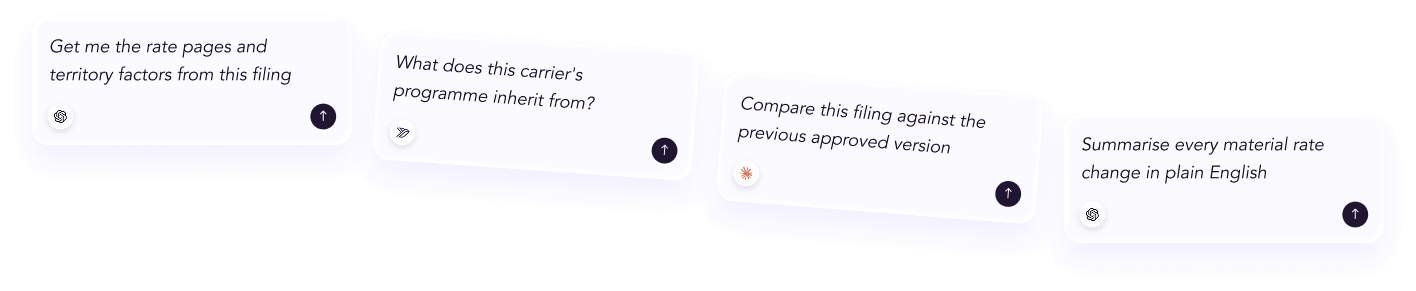
“Find every filing from this company that includes a rate change.”
The manual way
Open each result to check if it actually changes price.
With serff.ai, just ask
“Which of these filings actually carry a rate change?”
The manual way
Search state by state for rate activity on one product.
With serff.ai, just ask
“Find rate filings for this product across all these states.”
The manual way
Compare requested rate changes across many filings by hand.
With serff.ai, just ask
“List the requested rate change for each of these filings.”
Every answer is cited back to the exact page of the source PDF and grounded only in filed values, with no invented numbers, so you can trust it the way this audience needs to. Research that took weeks takes a prompt.
No credit card required. Simply sign up and connect to Claude or ChatGPT or use Swallow’s SERFF.ai platform.
Most SERFF search interfaces let you filter by filing type. Selecting rate, or a combined rate/rule type, is the fastest way to exclude pure form filings that carry no pricing change at all.
A filing labelled primarily as a form change can still carry a rate component if it is filed as combined. Filtering too strictly on "rate only" can miss these. When completeness matters more than speed, include combined types in your filter rather than excluding anything but pure rate filings.
If you are building a complete picture of a company's rate activity, search rate, rate/rule and rate/rule/form together rather than filtering to rate only. You will get some form-only noise, but you won't miss a combined filing.
Once filtered to filing type, add company, state and a date range to focus on the activity you actually care about. For the reasoning behind a specific change, go straight to the actuarial memorandum inside each result rather than reading the whole filing.
The headline filing type doesn't always tell you the full pricing picture. A filing type by itself won't show you the requested percentage change, only that a rate component exists; you still need to open the rate information section for the number.
Filter by filing type to isolate rate activity, but include combined rate/rule/form filings if completeness matters, since a pricing change can travel inside a filing that isn't labelled rate alone. Add company, state and date to narrow from there.
Filter by filing type for rate, or combined rate/rule and rate/rule/form types, to isolate submissions that carry a pricing change.
Yes, if it is filed as a combined rate/rule/form submission. Filtering to rate-only can miss these.
Combine the rate filing type filter with the company name and, if needed, a state and date range.
Inside the filing, in the rate information section, rather than in the filing type label itself.
Yes if you want a complete picture, since rate/rule combined filings carry pricing changes alongside rule updates.





 ChatGPT
 Claude
.png)
.png)
.png)
.png)