
Building an AI-powered research workflow isn't about replacing every step with an AI tool. It's about identifying where AI adds the most leverage, designing the workflow so a human still checks the parts that matter, and being deliberate about where verification happens so speed doesn't come at the cost of accuracy.
This is a practical approach to designing one: where to start, what to automate first, and how to build in the checks that keep the workflow trustworthy.
serff.ai is built to do that for you: it indexes millions of SERFF filings and lets you ask questions in plain English instead of opening documents one by one. You can connect it to the AI assistant you already use: Claude or ChatGPT, via the serff.ai MCP server, or work directly in the web platform.
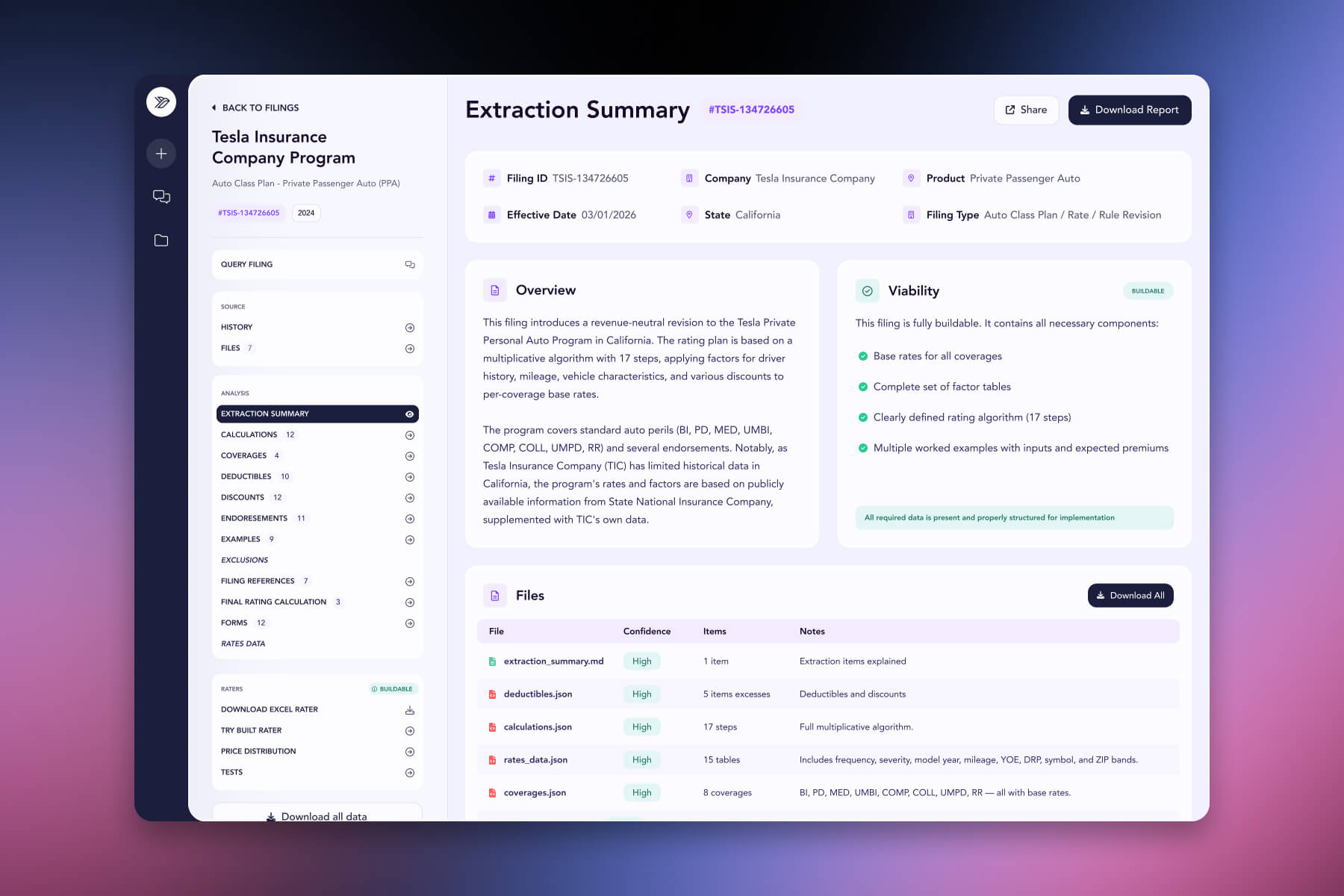

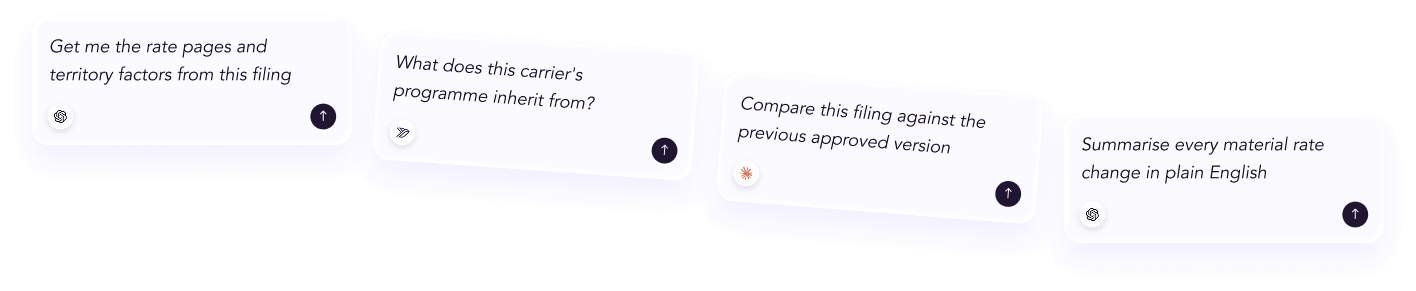
Connected via MCP to the AI you already use, Claude or ChatGPT, or through our dedicated platform, serff.ai makes searching and analysing SERFF filings effortless. Workflow design becomes concrete with a single question: ask serff.ai to find, summarise or compare filings, then build your own verification and analysis steps around that output.
The manual way
Design a workflow without knowing where the real bottleneck is.
With serff.ai, just ask
“Where does most manual time go in a typical filing research task?”
The manual way
Manually gather source material before any analysis can start.
With serff.ai, just ask
“Pull every filing relevant to this research question, cited to source.”
The manual way
Build a verification process from scratch with no starting point.
With serff.ai, just ask
“Show me the sources behind this summary so I can verify it.”
The manual way
Guess how much time an AI-assisted step actually saves.
With serff.ai, just ask
“Compare how long this would take manually versus with AI assistance.”
Every answer is cited back to the exact page of the source PDF and grounded only in filed values, with no invented numbers, so you can trust it the way this audience needs to. Research that took weeks takes a prompt.
No credit card required. Simply sign up and connect to Claude or ChatGPT or use Swallow’s SERFF.ai platform.
Before automating anything, identify where time actually goes in your current process. For most filing research, it's usually search and initial reading, not the final analysis, that consumes the most hours. That's the stage worth targeting first.
Search, first-pass reading and extraction are where AI typically saves the most time relative to manual effort, since these are volume-heavy but relatively mechanical tasks. Analysis, deciding what a pattern signals or how to weigh conflicting evidence, is where human judgment continues to do the most work, as covered in how to analyse a filing.
Every AI-assisted step should have a clear point where a human checks the output before it feeds into a decision. This doesn't mean re-verifying everything manually, it means being deliberate about which outputs get spot-checked and which get relied on directly, based on how consequential the downstream use is.
Set a higher verification bar for anything that will appear in a report, a filing response, or a decision document. Lower-stakes exploratory research can tolerate a lighter check.
No workflow is right on the first try. Track where AI output needed correction and adjust the workflow accordingly, whether that means tightening how questions are phrased or adding an extra verification step at a specific point in the process.
Don't design a workflow that removes all human checkpoints in the name of speed. Even a well-grounded AI system benefits from periodic verification, especially as the questions you ask it get more complex.
Building an AI-powered workflow means targeting the mechanical, volume-heavy steps first, search, reading and extraction, while keeping human judgment firmly in the analysis stage. Build in verification checkpoints proportional to how consequential each output is, and refine the workflow as you learn where it needs more scrutiny.
Map where manual time actually goes first; for most filing research, search and first-pass reading consume the most hours and are the best places to start.
Analysis and interpretation, deciding what a pattern signals or how to weigh evidence, should stay with human judgment even in an AI-assisted workflow.
Set the verification bar based on stakes: anything feeding into a report or decision should be checked more carefully than lower-stakes exploratory research.
No. Verification checkpoints should remain in the workflow, proportional to how consequential the output is.
Track where AI output needed correction over time and adjust the workflow, tightening prompts or adding checks where errors tend to occur.





 ChatGPT
 Claude
.png)
.png)
.png)
.png)