
Researching filings by state means working within each state's own version of SERFF Filing Access, and each one behaves a little differently. Participation, the level of detail released publicly, and even how consistently terms are used can vary, so a search strategy that works well in one state can underperform in another.
This is how to approach state-level research: what to expect from state to state, and how to compare the same product's filings across several states without missing the differences that matter.
serff.ai is built to do that for you: it indexes millions of SERFF filings and lets you ask questions in plain English instead of opening documents one by one. You can connect it to the AI assistant you already use: Claude or ChatGPT, via the serff.ai MCP server, or work directly in the web platform.
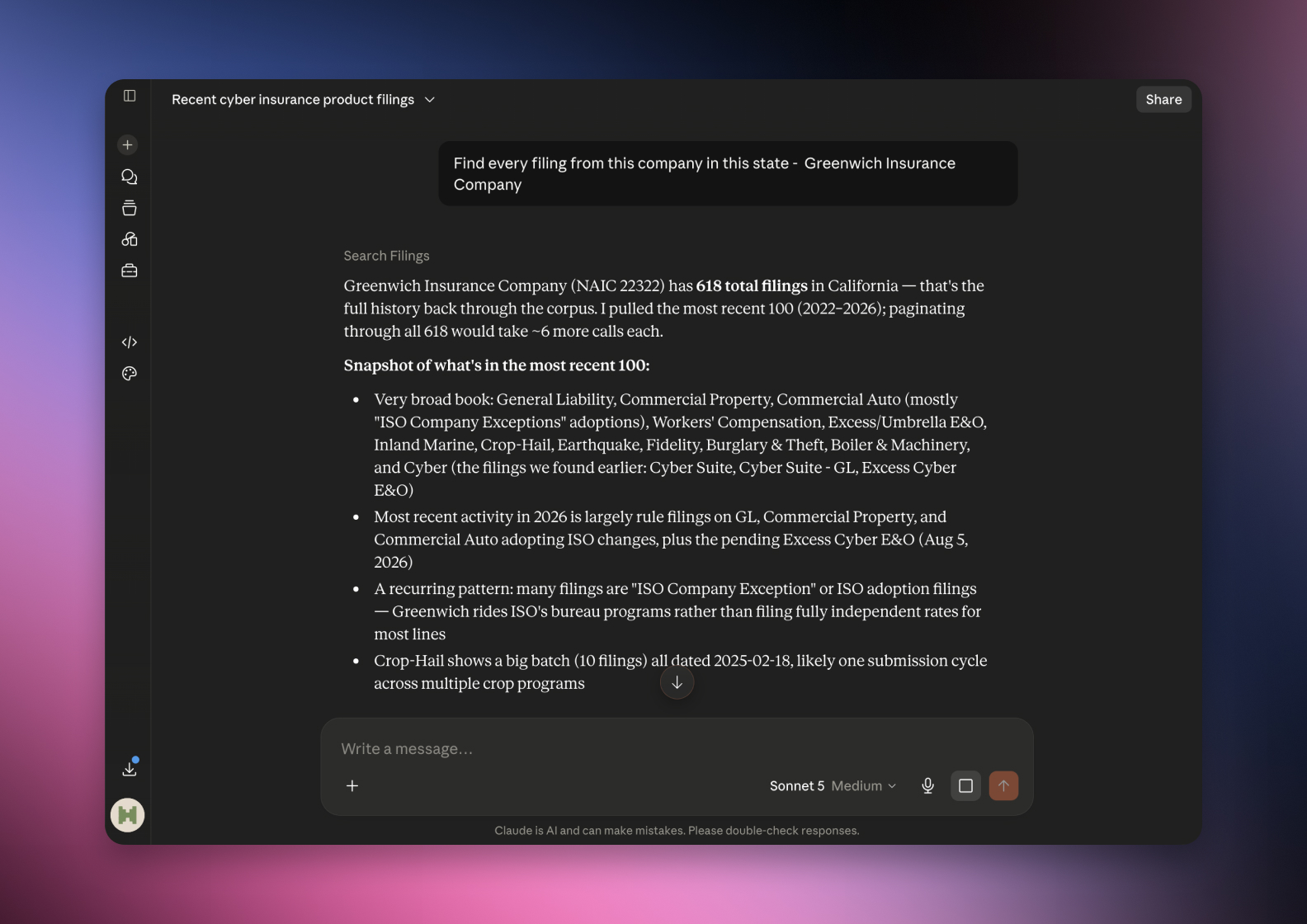

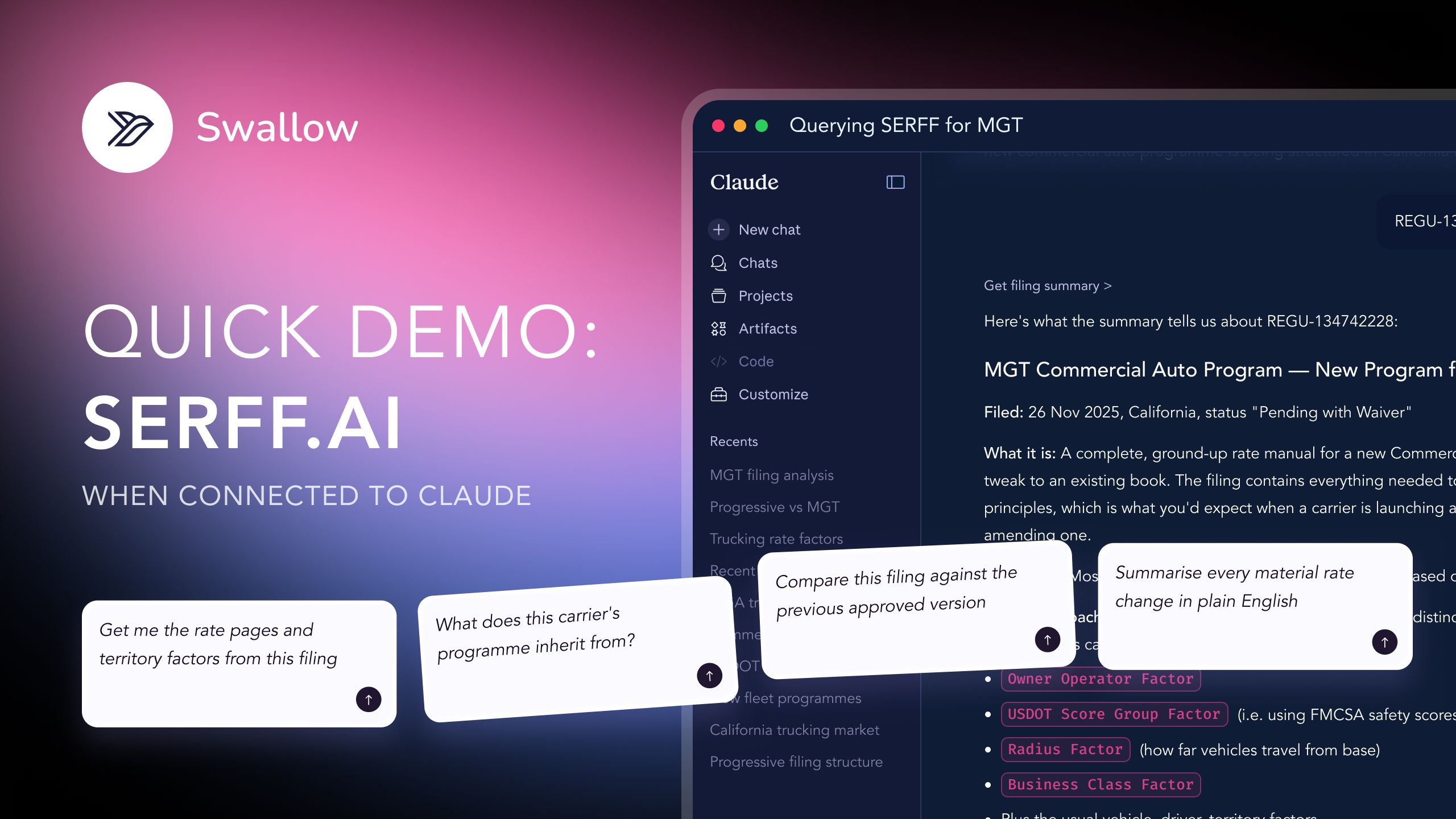
Connected via MCP to the AI you already use, Claude or ChatGPT, or through our dedicated platform, serff.ai makes searching and analysing SERFF filings effortless. State-level research becomes a single question: ask what a company filed in a given state, or how a product's filings compare across states, and get a grounded, cited answer in seconds.
The manual way
Learn each state portal's quirks before you can search it well.
With serff.ai, just ask
“Find every filing from this company in this state.”
The manual way
Manually compare the same product's filings across five states.
With serff.ai, just ask
“How does this product's filing differ across these five states?”
The manual way
Work out which states publish the most filing detail.
With serff.ai, just ask
“How much detail does this state make public for this filing?”
The manual way
Track when a change rolls out state by state over time.
With serff.ai, just ask
“In which states has this rate change been filed so far?”
Every answer is cited back to the exact page of the source PDF and grounded only in filed values, with no invented numbers, so you can trust it the way this audience needs to. Research that took weeks takes a prompt.
No credit card required. Simply sign up and connect to Claude or ChatGPT or use Swallow’s SERFF.ai platform.
Every state runs its own instance of the underlying system, and while the structure of a SERFF filing stays broadly consistent, participation in public search, the granularity of what's released, and small terminology choices can all differ.
Start with the state's own search interface directly rather than assuming it mirrors another state you know well. Confirm which fields it supports and how granular its results are before building a research plan around it.
If a multi-state insurer files the same product broadly at once, searching a distinctive product name in a handful of states quickly tells you whether the rollout has reached the one you're researching yet.
Because rating factors and even rules can be filed differently state to state for the same underlying product, a cross-state comparison means reading each filing individually rather than assuming consistency. This is the foundation for researching a product across multiple states in more depth.
A product filed in one state is not automatically filed the same way, or at the same time, in another. Rolling multi-state launches are common, so don't assume simultaneity without checking each state directly.
State-level research means treating each state's portal on its own terms rather than assuming they behave alike. To compare a product across states, read each filing individually since terminology, timing and even the rating detail can genuinely differ.
No. Participation and the level of detail released through SERFF Filing Access varies by state.
Search each state individually and read the filings directly, since rating detail and timing can genuinely differ even for the same underlying product.
States can label similar filing concepts slightly differently, even though the underlying SERFF structure is broadly consistent.
Search that state directly for the product name or company; rollouts are often staggered rather than simultaneous.
Prior approval states often generate more visible back-and-forth than file-and-use or use-and-file states, which can affect how much detail you find.





 ChatGPT
 Claude
.png)
.png)
.png)