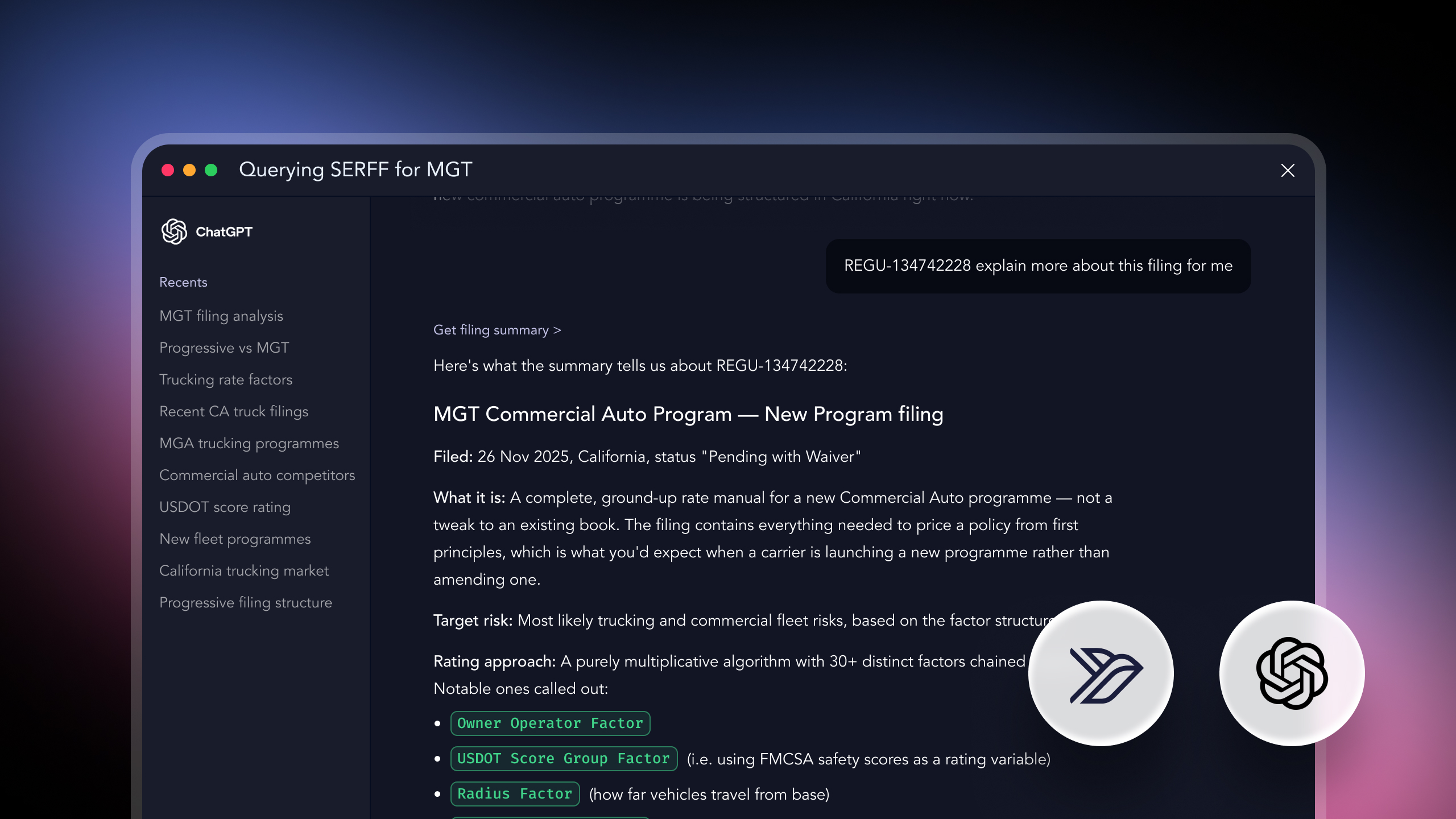
Sometimes the question isn't ongoing monitoring or a single filing comparison, it's a direct investigation: what has actually changed about this specific product over a given period. That question usually spans more than one filing type at once, since a product's evolution rarely shows up in rate filings alone, or form filings alone.
This is how to answer it thoroughly: gathering every relevant filing type, building a complete inventory of what changed, and distinguishing the changes that matter from routine housekeeping.
serff.ai is built to do that for you: it indexes millions of SERFF filings and lets you ask questions in plain English instead of opening documents one by one. You can connect it to the AI assistant you already use: Claude or ChatGPT, via the serff.ai MCP server, or work directly in the web platform.
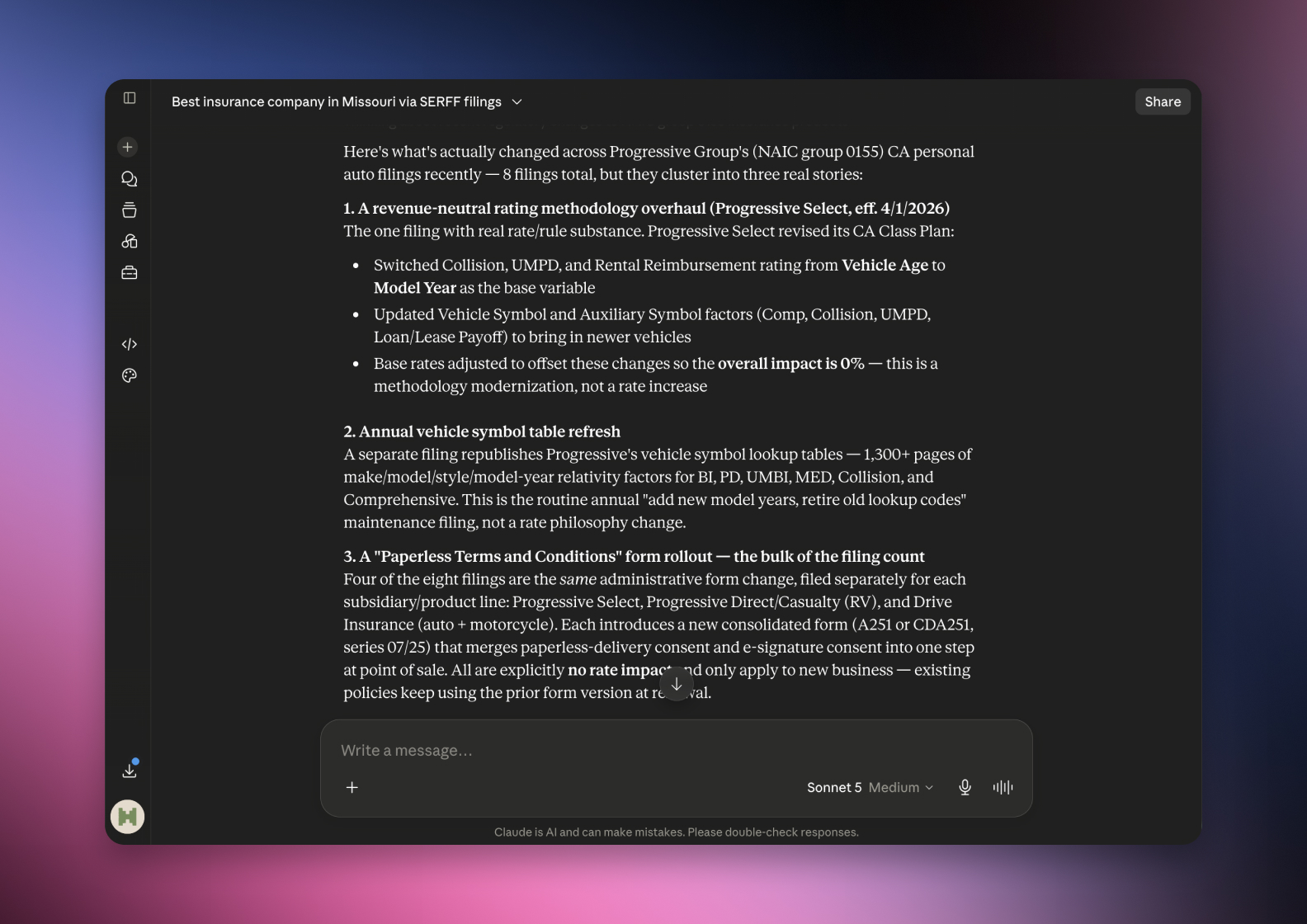

Connected via MCP to the AI you already use, Claude or ChatGPT, or through our dedicated platform, serff.ai makes searching and analysing SERFF filings effortless. Researching a product's changes becomes a single question: ask what's changed about a product over a given period, across rate, rule and form, and get a grounded, cited answer in seconds.
The manual way
Search rate, rule and form filings separately for one product.
With serff.ai, just ask
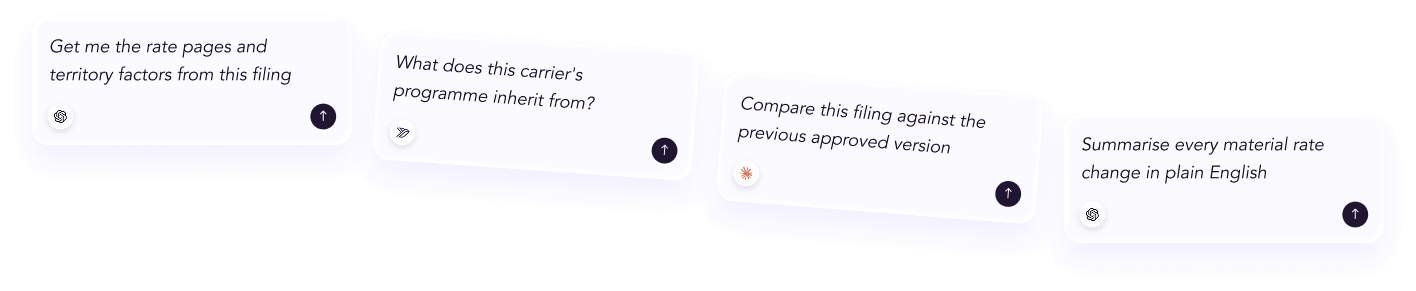
“What has changed about this product's rates, rules and forms recently?”
The manual way
Piece together a full change picture from scattered filings.
With serff.ai, just ask
“Build a complete summary of this product's recent changes.”
The manual way
Work out which changes were significant versus routine.
With serff.ai, just ask
“Which of these changes are substantive rather than administrative?”
The manual way
Check whether a change was rolled out consistently everywhere.
With serff.ai, just ask
“Was this product change filed the same way in every state?”
Every answer is cited back to the exact page of the source PDF and grounded only in filed values, with no invented numbers, so you can trust it the way this audience needs to. Research that took weeks takes a prompt.
No credit card required. Simply sign up and connect to Claude or ChatGPT or use Swallow’s SERFF.ai platform.
A product's recent history usually spans rate, rule and form filings, often filed separately even when they're part of the same underlying update. Searching just one filing type gives an incomplete answer to what's actually different about the product.
Not every filing represents a meaningful product change. A minor amendment correcting an administrative detail is different from a rule change that shifts eligibility or a rate change that moves pricing significantly. Weigh each change by its actual effect, not just by the fact that a filing exists.
Sort your inventory by effective date rather than filing date. It's the clearest way to see how the product has actually evolved in the market over the period you're researching, rather than just when paperwork was submitted.
Once assembled, the inventory answers the underlying question directly: not just that the product changed, but specifically what changed, when it took effect, and why. That's a materially more useful answer than any single filing could provide on its own.
A change that appears in one state's filing may not be a change everywhere the product is sold. Confirm scope explicitly rather than assuming a change found in one state applies universally.
Researching a product's changes means gathering rate, rule and form filings together rather than searching one type alone, then building an inventory of what changed, when it took effect, where it applies, and why. Sort by effective date and weigh each change by its actual significance, not just its existence.
A product's recent changes often span all three filing types, even when they're part of one underlying update, so checking only one gives an incomplete picture.
What changed, its effective date, which states it applies to, and the stated reasoning behind it.
Weigh each change by its actual effect on pricing, eligibility or coverage, rather than treating every filing as equally meaningful.
Effective date, since it reflects when the change actually applied in the market rather than when the paperwork was submitted.
Not necessarily. Confirm the scope explicitly, since rollouts across states are often staggered rather than simultaneous.





 ChatGPT
 Claude
.png)
.png)
.png)