
Tracking a filing's history means following one specific submission through its entire lifecycle: every status change, every amendment, every piece of correspondence, from the day it was submitted to the day it was decided. This is different from researching a product's broader history across many filings; it is about staying close to a single filing as it moves.
Done well, tracking turns a filing from a static document you read once into a live thread you can check back on as it develops.
serff.ai is built to do that for you: it indexes millions of SERFF filings and lets you ask questions in plain English instead of opening documents one by one. You can connect it to the AI assistant you already use: Claude or ChatGPT, via the serff.ai MCP server, or work directly in the web platform.
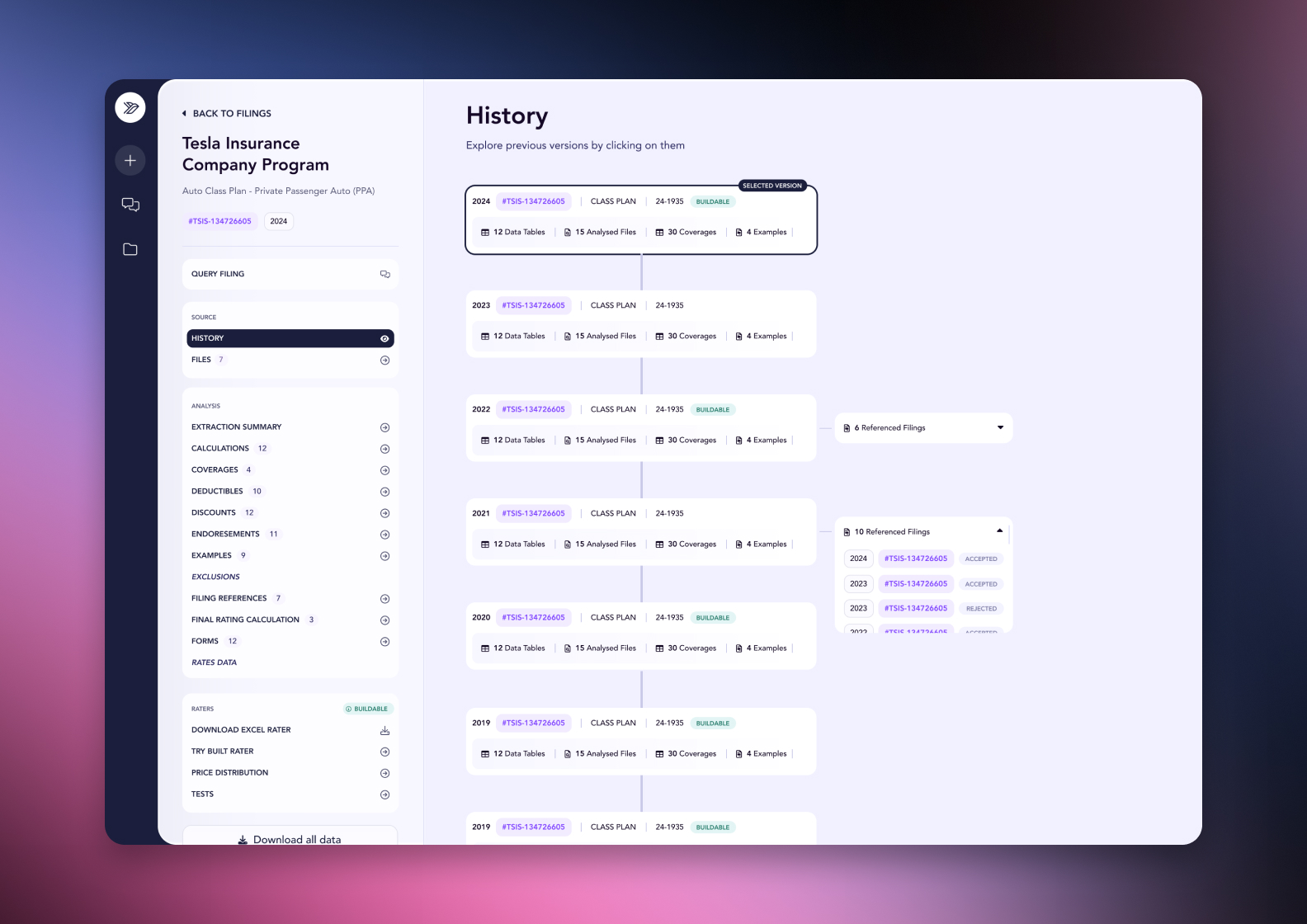

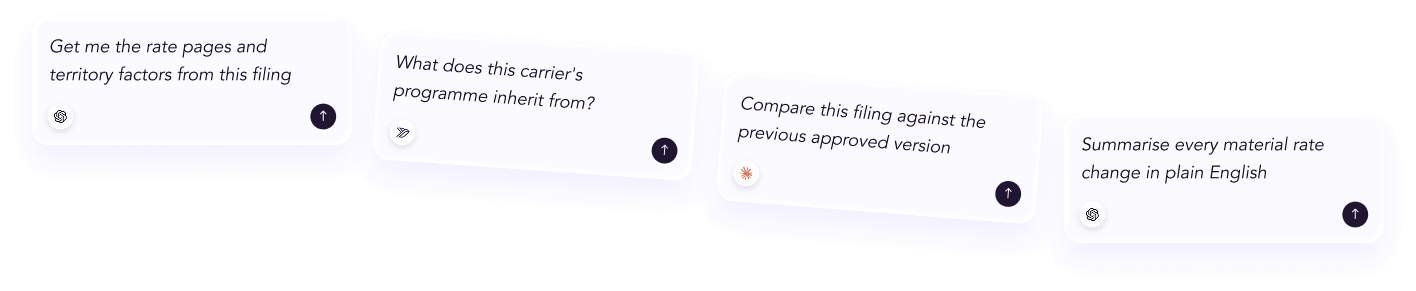
Connected via MCP to the AI you already use, Claude or ChatGPT, or through our dedicated platform, serff.ai makes searching and analysing SERFF filings effortless. Tracking a filing becomes a single question: ask what has changed since you last checked, or where it stands now, and get a grounded, cited answer in seconds.
The manual way
Check a filing manually every few days for updates.
With serff.ai, just ask
“Has anything changed on this filing since I last checked?”
The manual way
Read the whole correspondence thread to find what's new.
With serff.ai, just ask
“What is the latest development on this filing?”
The manual way
Track amendment dates against the original submission by hand.
With serff.ai, just ask
“How many times has this filing been amended, and when?”
The manual way
Watch multiple filings for status changes across a portfolio.
With serff.ai, just ask
“Which of these filings have changed status this week?”
Every answer is cited back to the exact page of the source PDF and grounded only in filed values, with no invented numbers, so you can trust it the way this audience needs to. Research that took weeks takes a prompt.
No credit card required. Simply sign up and connect to Claude or ChatGPT or use Swallow’s SERFF.ai platform.
Tracking means checking a filing repeatedly over its life, not reading it once. The signals worth watching are consistent across filings, even though the pace varies enormously by product and state.
Filing pace varies by state and review regime. A file-and-use filing may resolve in days, while a prior-approval rate filing with objections can run for months. Set your check frequency to the regime, not a fixed schedule, since checking too rarely on a fast filing means you'll miss the correspondence that explains what happened.
If a filing's status hasn't changed in a while, check the correspondence anyway. Some exchanges happen without a formal status update, so status alone can understate how much has actually moved.
When you're tracking more than one filing, a status-only check across the group first, then a deeper read only on the ones that moved, is far faster than re-reading everything each time. This scales the same instinct that works for historical research down to an active, ongoing watch.
A filing that seems to have gone quiet isn't necessarily finished. Some processes have long gaps between visible activity, so confirm the disposition explicitly rather than assuming silence means resolution.
Tracking a filing's history means checking status, correspondence, amendments and disposition repeatedly over its life, at a pace matched to the review regime. Status alone can understate what's happened, so check correspondence even when status looks unchanged.
Following one filing through its full lifecycle, checking status, correspondence, amendments and disposition repeatedly as it moves through review.
It depends on the review regime; file-and-use filings can resolve in days while prior-approval filings with objections can take months, so match your check frequency accordingly.
Yes. Some correspondence happens without a formal status change, so checking correspondence directly can reveal more than status alone.
Do a quick status-only check across the whole group first, then read in depth only on the filings that have actually moved.
Not necessarily. Some filings have long gaps between visible activity, so confirm the disposition directly rather than assuming silence means resolution.





 ChatGPT
 Claude
.png)
.png)
.png)
.png)