
An insurance objection letter is a formal message from a state insurance regulator to an insurer, raised during the review of a filing, that questions, challenges or requests more information about something in the submission. It is the regulator's way of saying the filing cannot be approved as it stands without a response.
Objection letters and the insurer's replies form the correspondence thread of a filing, and it is often the most revealing part of the whole submission. It shows exactly which assumptions a regulator considered weak and how the insurer defended them, intelligence you cannot get from the approved documents alone.
serff.ai is built to do that for you: it indexes millions of SERFF filings and lets you ask questions in plain English instead of opening documents one by one. You can connect it to the AI assistant you already use: Claude or ChatGPT, via the serff.ai MCP server, or work directly in the web platform.
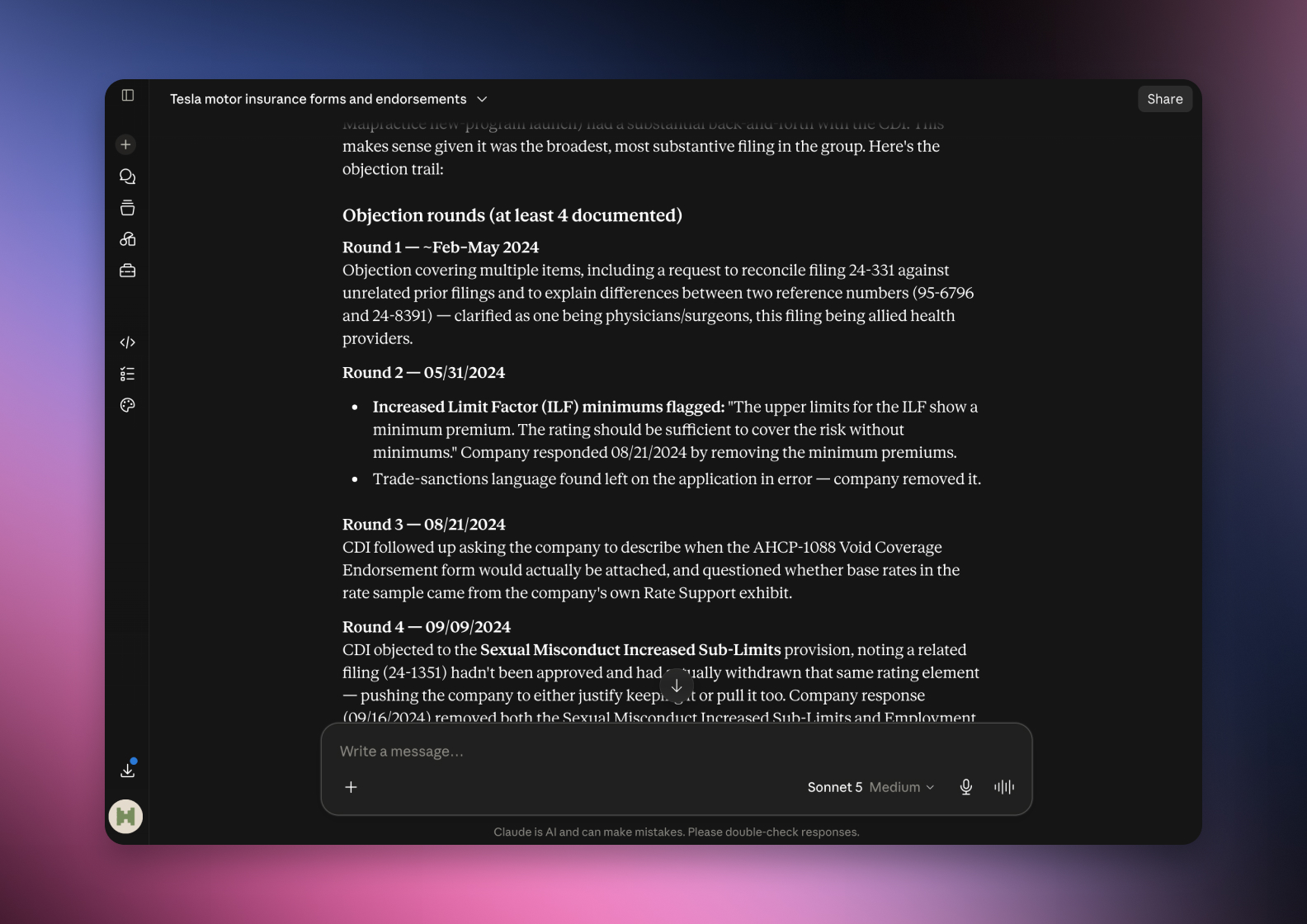

Connected via MCP to the AI you already use, Claude or ChatGPT, or through our dedicated platform, serff.ai makes searching and analysing SERFF filings effortless. The correspondence becomes a single question: ask what the regulator objected to, how the insurer responded, or what changed as a result, and get a grounded, cited answer in seconds.
The manual way
Read the whole correspondence thread to find the objections.
With serff.ai, just ask
“What did the regulator object to in this filing?”
The manual way
Match each response back to the objection it answers.
With serff.ai, just ask
“How did the insurer respond to each objection?”
The manual way
Work out whether an objection changed the outcome.
With serff.ai, just ask
“Did any objection change the requested rate?”
The manual way
Scan many filings for a recurring regulator concern.
With serff.ai, just ask
“What objections does this regulator commonly raise?”
Every answer is cited back to the exact page of the source PDF and grounded only in filed values, with no invented numbers, so you can trust it the way this audience needs to. Research that took weeks takes a prompt.
No credit card required. Simply sign up and connect to Claude or ChatGPT or use Swallow’s SERFF.ai platform.
An objection letter is structured around specific points the regulator wants addressed. Each raises a concern and, usually, asks for a change or a justification.
These sit in the correspondence section of a filing, part of what happens after a filing is submitted.
The approved filing tells you the outcome; the objection thread tells you how it was reached. It reveals which trend selection a regulator distrusted, which rating factor drew a fairness concern, and where the insurer gave ground. For a competitor analysis, it is a window into both the insurer's thinking and the regulator's priorities.
Read objection threads across several filings from the same regulator. Patterns emerge: a state that repeatedly questions a particular assumption is telling you what it will scrutinise in your own filing.
An objection can end in several ways. The insurer may satisfy it with more data and no change; may revise an exhibit or narrow a request; or, if it cannot be resolved, the filing may be withdrawn or disapproved. The disposition records where it landed.
A requested rate change and the approved change often differ precisely because of objections. If you only read the final numbers, you miss why they moved.
Read each objection with its matching response as a pair, and track what changed between them. Then compare the requested figures before the thread against the approved figures after it to see what the negotiation actually cost.
An objection letter is the regulator formally challenging part of a filing. The objection thread is the most revealing section in a submission: it shows which assumptions were distrusted, how the insurer defended them, and why the approved outcome differs from what was requested.
It is a formal message from a regulator raised during filing review that questions or challenges part of the submission and requests a response before approval.
The state insurance department reviewing the filing sends them to the insurer, usually through the SERFF correspondence thread.
No. An objection is a request to address a concern. Most are resolved through the insurer's response, though unresolved ones can lead to withdrawal or disapproval.
The correspondence is often viewable through SERFF Filing Access, though availability varies by state and some material can be withheld.
They reveal which assumptions a regulator distrusted and how the insurer defended them, explaining why the approved outcome differs from what was requested.

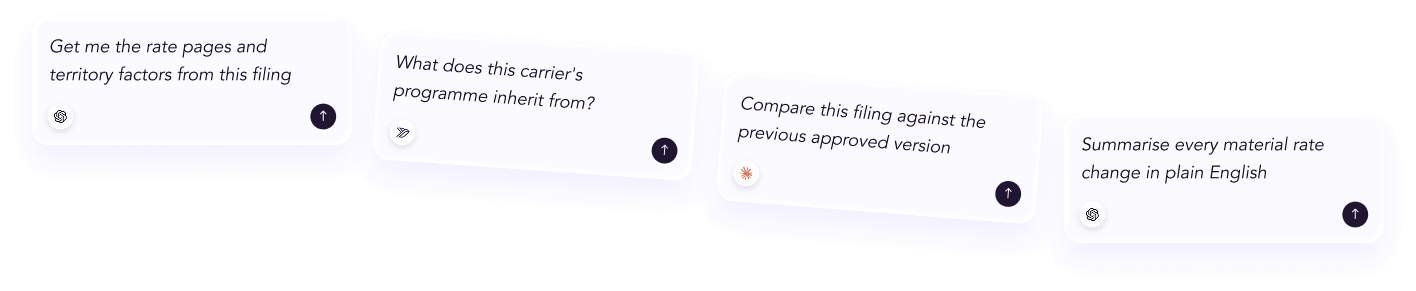




 ChatGPT
 Claude
.png)
.png)
.png)
.png)