
A state insurance filing is the complete regulatory submission an insurer sends to a state insurance department to introduce or change its rates, rules or policy forms. Many of these filings are submitted through SERFF, the System for Electronic Rates & Forms Filing, and a single filing can hold dozens of documents: rate pages, actuarial exhibits, policy forms and back-and-forth with the regulator. Reading one by hand means working through them all in a deliberate order.
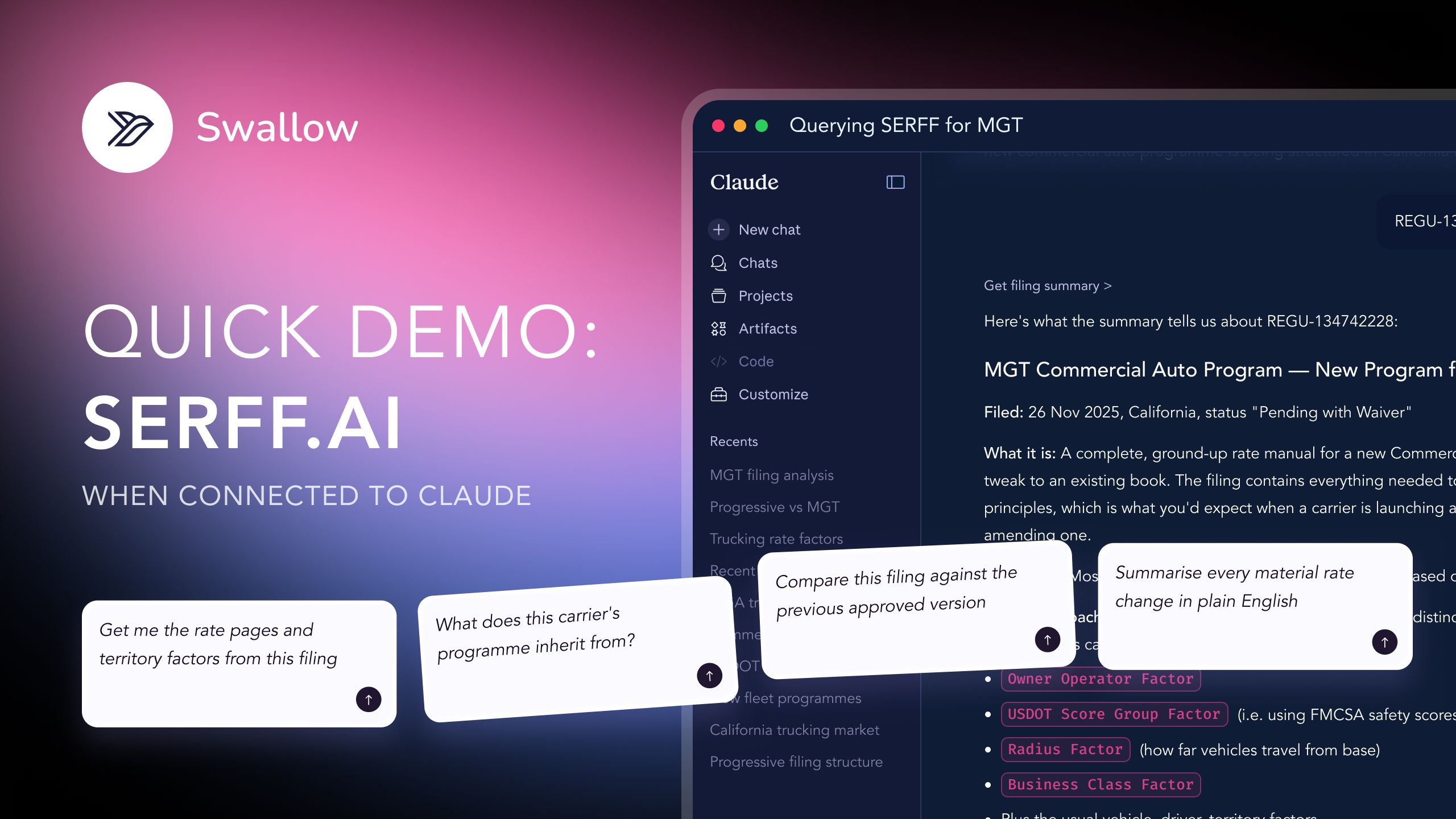
statefilings.ai is built to do that for you: it indexes millions of state insurance filings and lets you ask questions in plain English instead of opening documents one by one. You can connect it to the AI assistant you already use: Claude or ChatGPT, via the statefilings.ai MCP server, or work directly in the web platform.
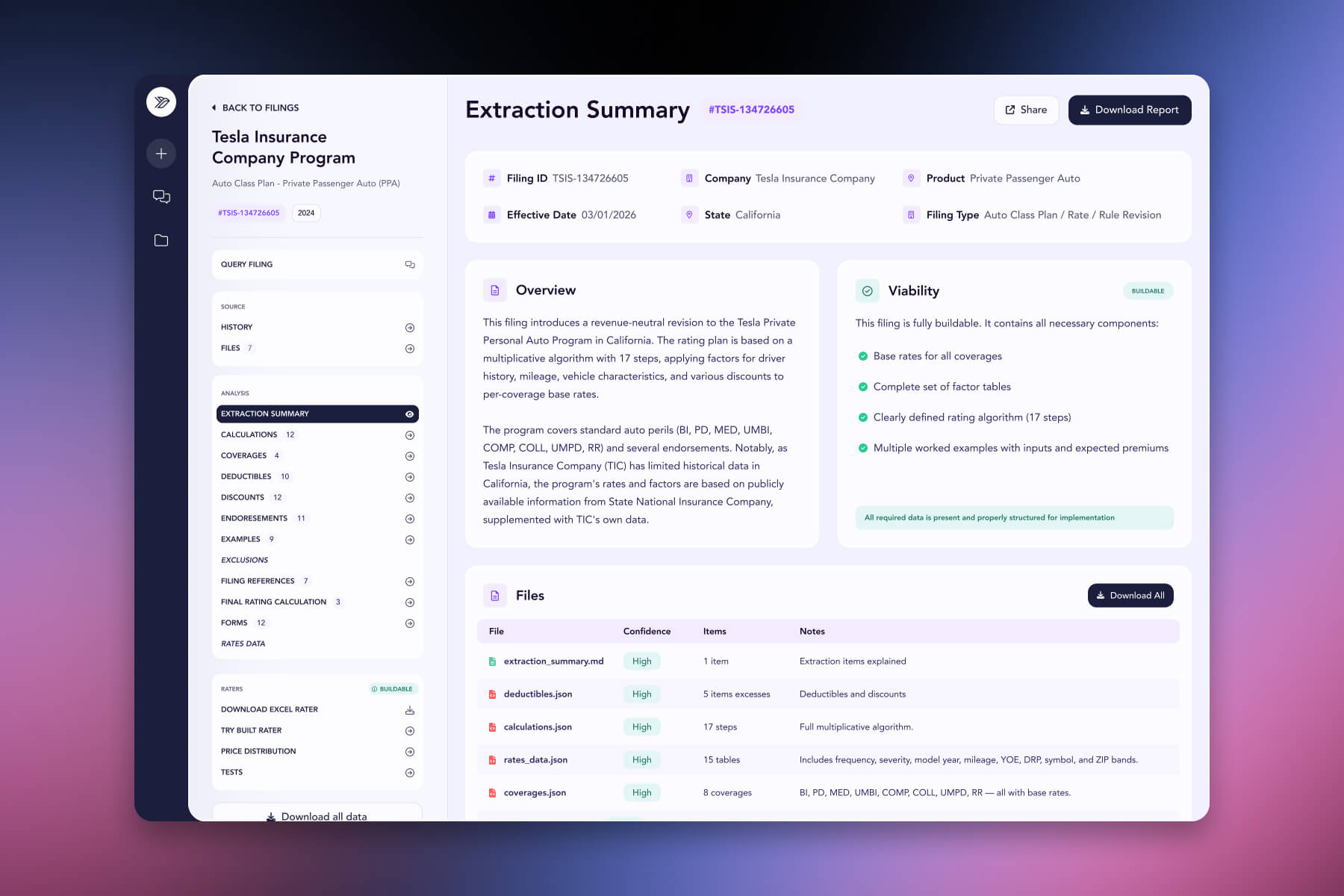

Connected via MCP to the AI you already use, Claude or ChatGPT, or through our dedicated platform, statefilings.ai makes searching and analysing state insurance filings effortless. Reading a filing becomes a single question: ask what changed, why it changed, or what the regulator pushed back on, and get a grounded, cited answer in seconds instead of opening document after document.
The manual way
Read all 200+ pages to understand what the filing does.
With statefilings.ai, just ask
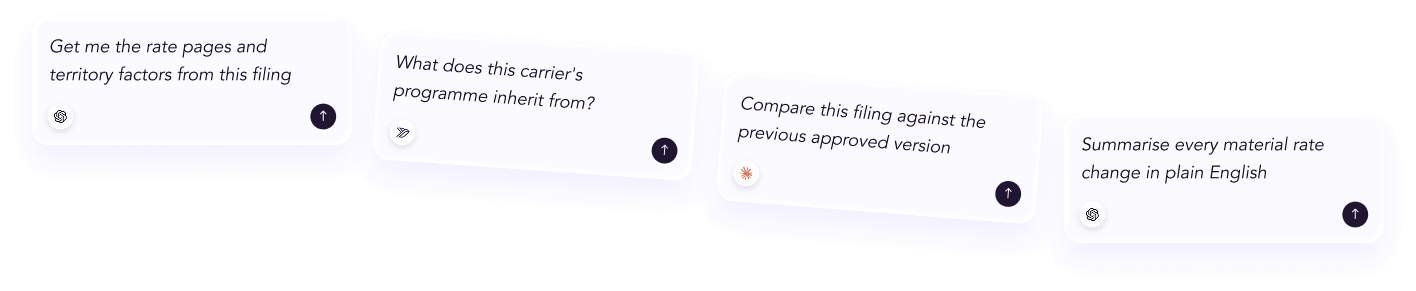
“Summarise this filing.”
The manual way
Diff the new rate pages against the old ones by hand.
With statefilings.ai, just ask
“What changed from the previous version?”
The manual way
Hunt through the correspondence thread for objections.
With statefilings.ai, just ask
“Show every regulator objection and how the insurer responded.”
The manual way
Cross-check a number you are not sure about.
With statefilings.ai, just ask
“Where in the filing does this figure come from?”
Every answer is cited back to the exact page of the source PDF and grounded only in filed values, with no invented numbers, so you can trust it the way this audience needs to. Research that took weeks takes a prompt.
No credit card required. Simply sign up and connect to Claude or ChatGPT or use Swallow’s statefilings.ai platform.
This part is the manual method. It walks through the sections you commonly encounter in a filing and flags what actuaries, pricing, underwriting and product teams should pull out: the signals that tell you what changed, why it changed, and whether it was actually approved or accepted.
Read a filing in this order: (1) filing summary → (2) general information → (3) the schedule that carries the change, rate/rule or form → (4) supporting documentation and the actuarial memorandum → (5) rate information → (6) correspondence and objection letters → (7) amendments → (8) disposition. Summary first, outcome last.
Most electronic state filings are organised into a recognisable set of sections, although exact labels and availability vary by jurisdiction. Knowing what each section holds is half the battle. Once you can name the parts, you can jump straight to whatever your question needs.
This is the quickest way to understand a submission before you open anything. It typically shows the insurer, state, filing type, Type of Insurance and Sub-Type of Insurance where those classifications are used, current status, submission and effective dates, and the tracking numbers that identify the filing.
Those tracking numbers matter more than they look. In SERFF-based filings, the SERFF tracking number uniquely identifies the submission within SERFF. A state tracking number may also be assigned by the regulator, while a company tracking number is the insurer's own reference and can help connect a filing to related or earlier submissions from the same company.
Read the filing type first. It tells you which schedule actually carries the change: a rate filing sends you toward the Rate/Rule schedule, a form filing toward the Form schedule, and a combined filing may require both. It stops you hunting for a rate change in a filing that only touches policy wording.
The general information section is where the insurer explains what the filing does and why. It can state the purpose, business rationale, market type and, for a rate filing, the overall rate impact being requested.
Read this before the technical exhibits. It frames everything that follows, so by the time you reach the rate pages or actuarial memorandum you already know what the insurer says it is trying to achieve.
This is where the substance lives, and it is the section pricing and product teams should spend the most time in.
In the Rate / Rule Schedule, you're looking at the rate pages and rule changes themselves: base rates, the rating factors and tables being changed, territory or tier definitions, and any change to the rating algorithm. Compare the new pages against what they replace. The story is in the deltas, not the absolute values.
In the Form Schedule, each row is a policy form or endorsement with a form number, an edition date, a form type and an action: new, replacement or withdrawn. A replacement action is your cue to compare the new wording against the prior edition to see exactly what coverage moved.
Supporting documentation is the evidence behind the ask. In a rate filing, the most important item is often the actuarial memorandum, which sets out the reasoning for a rate change: the loss experience, trend and development assumptions, credibility, expense provisions and the methodology used to arrive at the indicated rate.
Other supporting items can include actuarial exhibits, certifications, compliance documents and cover letters. Read the memorandum for the why, and treat the exhibits as the workings that support it.
Some supporting documents, certain actuarial exhibits in particular, can be marked confidential and withheld from public view. If the logic of a filing seems to have a gap, missing confidential material may be part of the explanation rather than an error in your reading.
For rate filings, the rate information section can carry the headline numbers: the overall indicated change, what the actuarial analysis supports, the overall requested change, what the insurer actually asks for, the number of policyholders affected and the change in written premium. Where a regulator formally approves the filing, the final record can also show the approved figure.
Don't treat the requested change as the change that happened. Indicated, requested and approved or accepted outcomes can be different, and the gaps between them are often one of the most revealing parts of the filing.
Many filings include a thread of correspondence between the insurer and the regulator. Objection letters can raise questions, request clarification or challenge assumptions; the insurer's responses answer them, sometimes with revised exhibits or supporting data.
This is one of the most under-read sections and often one of the most revealing. Correspondence shows which assumptions drew regulator attention and how the insurer responded, giving you context the final documents alone may not provide.
Filings are frequently updated before a final outcome is reached. Reviewing amendments tells you what changed after submission, which documents were replaced, and how the insurer responded to regulator feedback. If you only read the final documents, you can miss the trail that explains how the filing got there.
Finally, check the disposition or equivalent final outcome. Depending on the state and review regime, outcomes can include approved, filed, approved with conditions, withdrawn or disapproved. Where an item-level disposition report is available, it can also show which specific forms or rate pages were accepted.
Close the loop by comparing the final outcome against what you read earlier. For rate filings, the difference between what was initially requested and what ultimately became effective shows what the review process actually changed.
Put together, one pass might look like this. You open the filing summary and see a personal auto rate filing. General Information tells you it proposes a mid-single-digit rate increase driven by claims trend. You go to the Rate/Rule schedule and find the increase is concentrated in a handful of territories and a revised model-year factor. The actuarial memorandum explains the trend selection; correspondence questions part of that methodology; the insurer responds and revises the request. The final disposition shows what was ultimately accepted and when it became effective. In minutes, you can understand what changed, why, and what reached the market without reading the entire filing front to back.
A few habits quietly cost people accuracy:
Many states publish filings through SERFF Filing Access or their own state insurance department resources. Participation, search tools and the documents made public vary by jurisdiction, and some supporting material may be confidential.
It depends on your question, but start with the filing summary for orientation and the General Information description for purpose. For a rate change, the actuarial memorandum and rate information carry much of the substance; for a form change, the form schedule is central.
The indicated change is what the actuarial analysis supports, the requested change is what the insurer asks for, and the approved change, where formal approval applies, is what the regulator ultimately allows. The final effective change is the figure that matters for understanding what reached the market.
No. Public availability varies by state, and certain supporting documents, including some actuarial exhibits or proprietary material, can be treated as confidential.
It varies enormously. A simple filing may contain only a handful of documents, while a complex rate filing can include rate pages, multiple exhibits, an actuarial memorandum, forms and a substantial correspondence history.




 ChatGPT
 Claude
.png)
.png)
.png)